
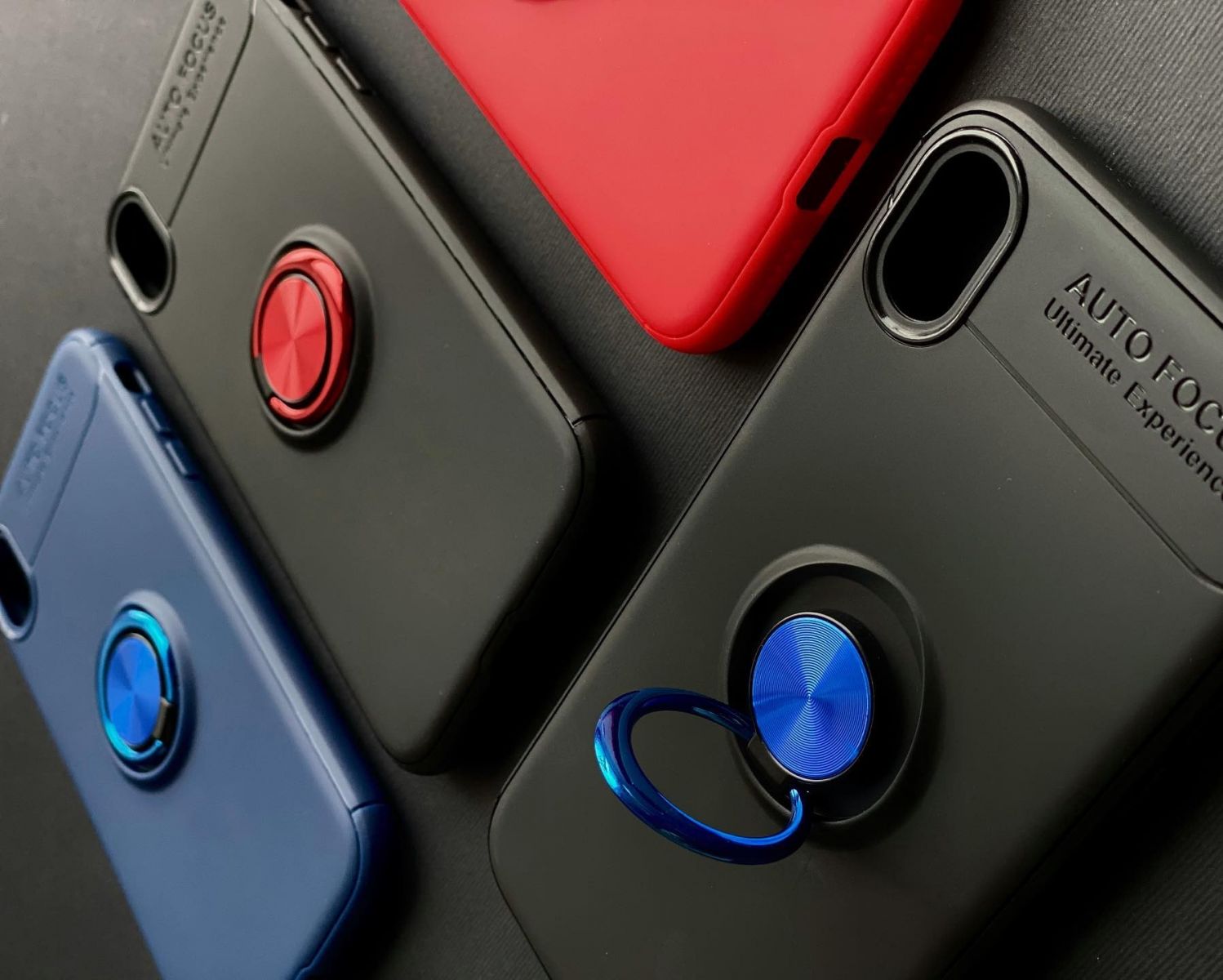
Cases and magnetic accessories in 2026 solve real problems: better grip, fewer drops, easier car mounting, and convenient wireless charging alignment. But they can also create subtle issues that people blame on the phone itself. The most common complaints are camera oddities like glare, haze, edge softness, or strange reflections after adding a case or a magnet ring, plus wireless charging that becomes slow, intermittent, or hot. Comfort issues show up too: a case that looks premium but feels slippery, a magnet that makes the phone top-heavy, or a mount that pulls the device into awkward angles that strain your wrist. The lifehack is choosing and placing cases and magnets with the phone’s physics in mind. Camera modules are sensitive to reflections and pressure points, wireless charging depends on coil alignment and distance, and magnets can interfere with accessory behavior if they’re positioned poorly. You don’t need to overthink it, but you do need a quick validation routine before you “commit” to a setup. That means confirming the case doesn’t interfere with the lens area, ensuring magnets are compatible with your charging method, and testing real-life use—photos, payments, and charging—before you trust it daily. This is how you get the convenience of magnets without hidden downsides.
Avoid camera issues: keep the lens area clean, prevent reflections, and don’t let cases pressure the camera module
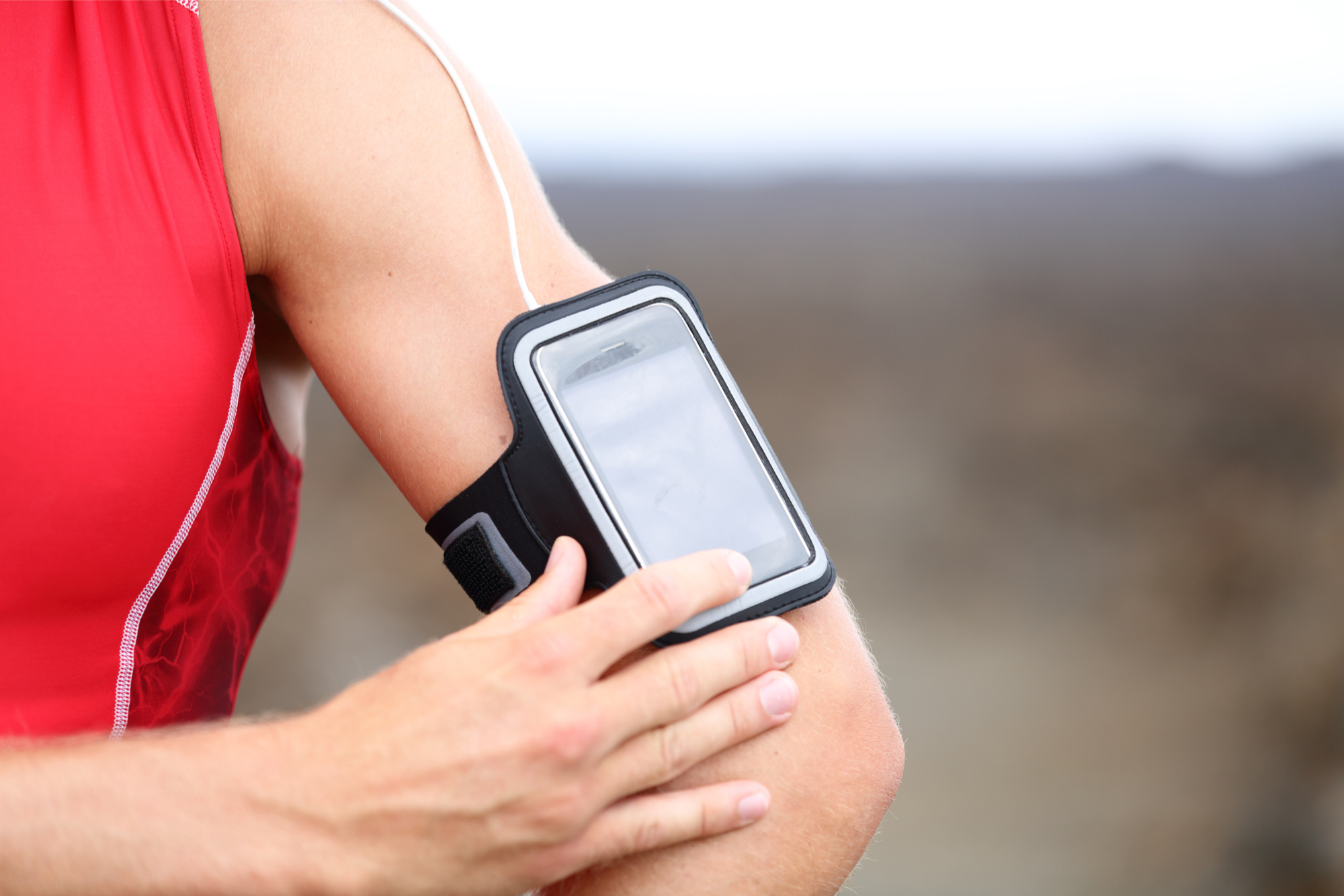
Camera problems caused by cases and magnets usually come from three sources: dirty lens edges, reflective surfaces near the lens, and physical pressure or misalignment around the camera bump. The lifehack starts with the simplest rule: anything near the lens must be matte, clean, and stable. Some cases have glossy camera rings or shiny cutout edges that reflect light back into the lens, especially at night or in bright side lighting. That reflection can show up as haze, reduced contrast, or ghosting. A case with a matte, non-reflective camera surround is often safer for image quality than a case that looks “luxury” but has shiny accents. Another issue is camera bump protection that sits too close to the lens or collects dust. Dust and skin oils build up around the lens rim, and when combined with harsh light, they can create soft-looking images that feel like the camera is “worse.” Clean the lens and the case’s camera cutout regularly, especially if you keep the phone in a pocket or bag. Pressure and alignment matter too. If a case is too tight around the camera module, or if a magnet accessory presses against the back and slightly flexes the phone, it can cause subtle issues over time or make the camera feel less stable when recording. The practical test is easy: shoot a bright outdoor photo, then shoot a night photo with streetlights, and compare results with and without the case. If glare patterns appear only with the case, the case is the problem, not your camera.
Keep wireless charging stable: manage distance, alignment, and heat so charging doesn’t wobble or throttle
Wireless charging is sensitive to two things accessories love to change: distance and alignment. The lifehack is minimizing both problems. Thick cases, layered materials, and poorly placed magnet rings increase the distance between coils, which reduces efficiency and increases heat. Heat is the enemy of stable charging because phones and chargers will throttle when temperatures rise. That’s why “it charges for five minutes then stops” often happens with a bulky case or misaligned magnet ring. If you use magnetic alignment accessories, placement must match the phone’s charging coil position. A ring that’s too high or too low can cause the phone to sit slightly off-center on the charger, which reduces power and increases heat. Another stability killer is case texture and grip. A slippery case can slide on the pad and drift out of alignment, especially if the phone vibrates from notifications. A case with a slightly grippy surface often improves charging stability because it holds position. Also consider how you charge daily. If you charge overnight, prioritize cool, steady charging rather than maximum speed. Fast wireless charging can be convenient, but it can generate more heat, especially through thick cases. If your phone offers an optimized charging feature, enable it so the device manages charge timing and reduces unnecessary heat stress. The quick validation is a 15–20 minute test: place the phone on the pad, watch whether it stays in a stable charging state, and feel for abnormal warmth. If it gets hot quickly or disconnects, adjust alignment or reconsider the case and magnet setup.
Maintain daily comfort: grip, pocketability, balance, and a simple “before you commit” test routine
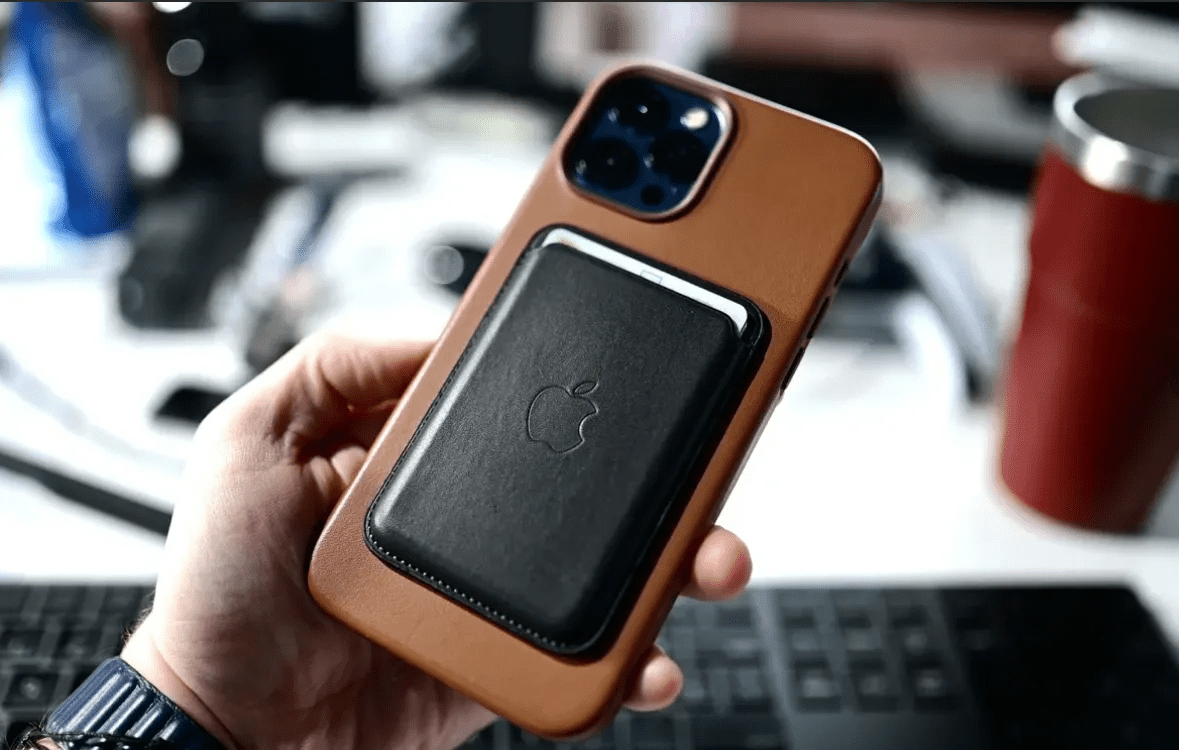
The best accessory setup is the one you enjoy using daily. Comfort matters because discomfort leads to bad habits: removing the case “just for a moment,” skipping mounts, or handling the phone unsafely. The lifehack is choosing a case that improves grip without making the phone feel bulky or awkward. A case can be protective and still comfortable if it has a good texture, rounded edges, and buttons that feel precise. Magnets add another comfort variable: balance. A magnet ring or plate can shift the phone’s center of mass and make one-handed use feel less stable. If you use a magnetic mount, test it in the situations you actually live—walking, public transit, car use—because a mount that feels fine at a desk might feel annoying when you’re grabbing the phone repeatedly. Also don’t forget everyday compatibility: NFC payments, card access, and pocket comfort. Some magnetic accessories can interfere with wallet-style attachments or make tapping for payments inconsistent depending on placement. That’s why the best routine is a quick “commit test” before you settle. Test three things: wireless charging stability on your actual pad, NFC payment or a simple tap interaction, and camera performance in bright and low light. If all three pass and the phone still feels comfortable in hand and pocket, you’ve found a setup that works. In 2026, cases and magnets can be a perfect combination, but only if you validate placement, avoid reflective camera surrounds, keep charging coils aligned, and choose comfort that holds up every day.